
Getting Started
Welcome to LookIA's documentation. The quickest way to offer advanced AI-powered search on your website is by embedding our lightweight widget script.
1. Get your Embed Script
Once you've created an Account, added a Website, and indexed your content, you can find the unique embed code within your site's dashboard.
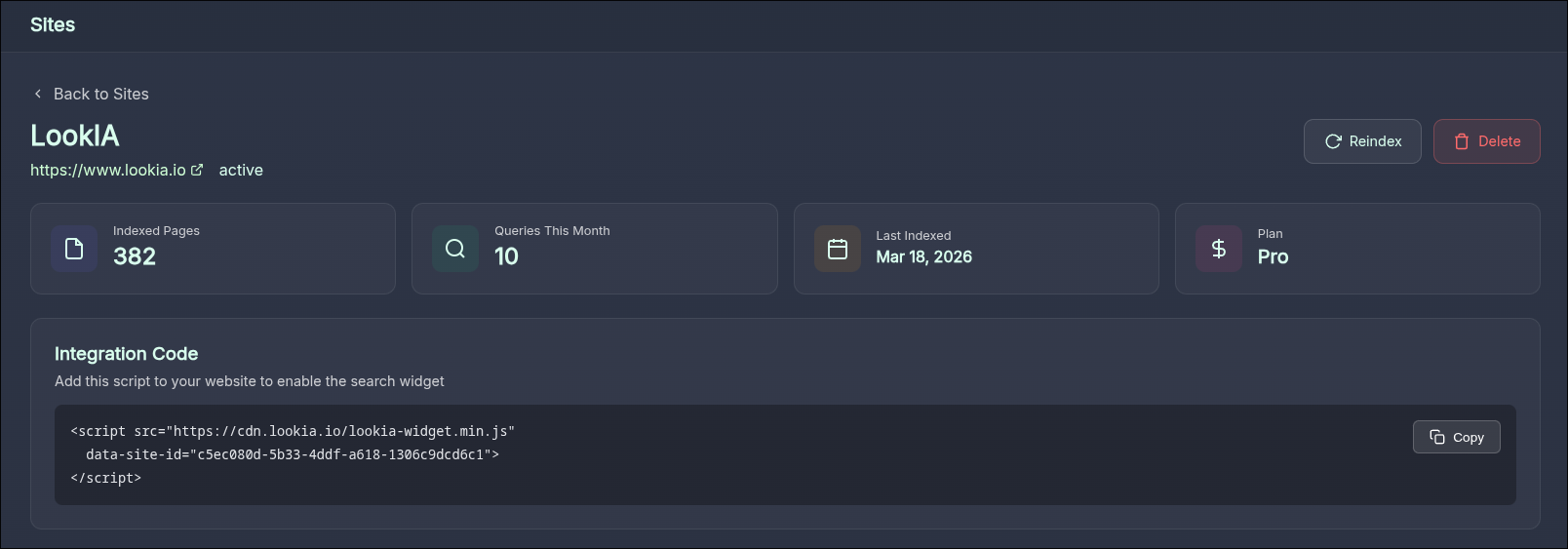
2. Paste it into your website
Add the <script> tag to the markup of your site. We recommend placing it just before the closing </body> tag so it doesn't block rendering of your page's meaningful content.
<!-- Example of the Embed Code -->
<script defer
  src="https://cdn.lookia.io/lookia-widget.min.js"
  data-site-id="YOUR-UNIQUE-SITE-ID"
></script>
If you manage your site using a platform like WordPress, Webflow, or Shopify, you can easily paste this into the global footer injection settings.
3. Test your Integration
Open your website in the browser and you should now see the LookIA search floating button appearing in the bottom-right corner.
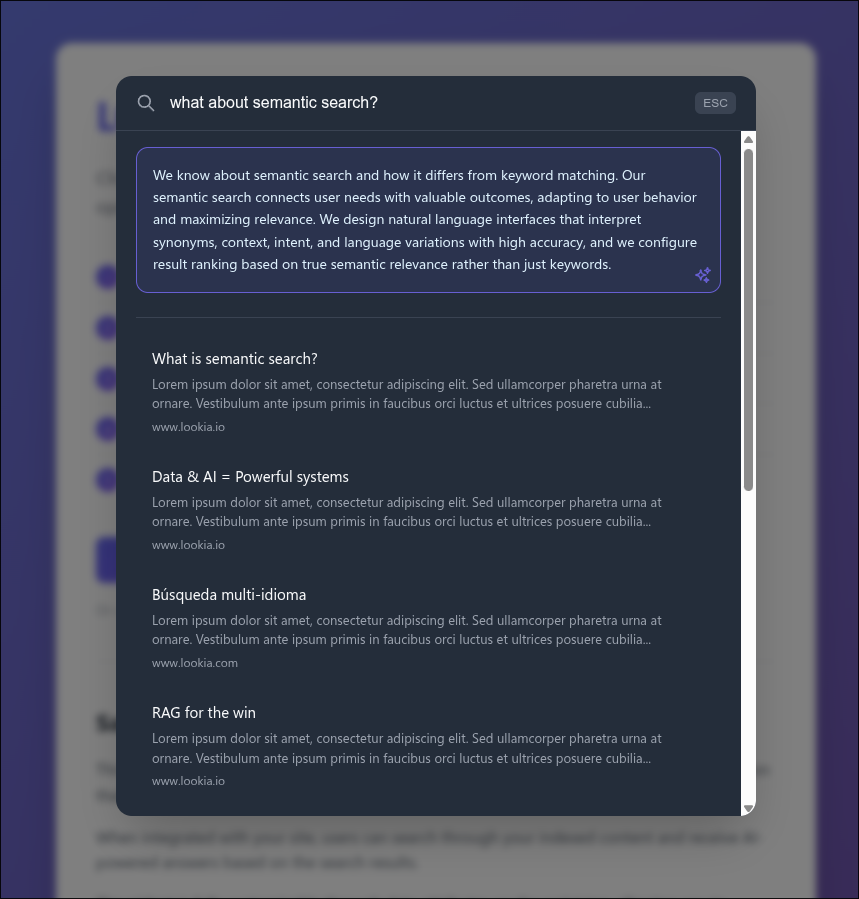
Congratulations! Your site is now equipped with bleeding-edge Semantic Search capabilities without writing a single line of backend search logic.